How Big Is a Photo File? Megapixels Are Only Half the Story
The uncompressed starting point
Every image file begins life as a grid of pixels, each holding colour values. Multiply width by height for the pixel count, then by the bytes per pixel. A 24 megapixel camera frame at 3 bytes per pixel, the standard for full colour, is 72 MB of raw pixel data. That is the uncompressed size, and the image size calculator here works it out exactly for any dimensions and bit depth. Bit depth is the lever people forget: a 16 bit per channel workflow doubles the data compared with the usual 8 bit, and adding an alpha channel adds a third again. When a TIFF or PSD balloons past expectations, the pixel dimensions times the bit depth explain it every time.
Compression and the role of detail
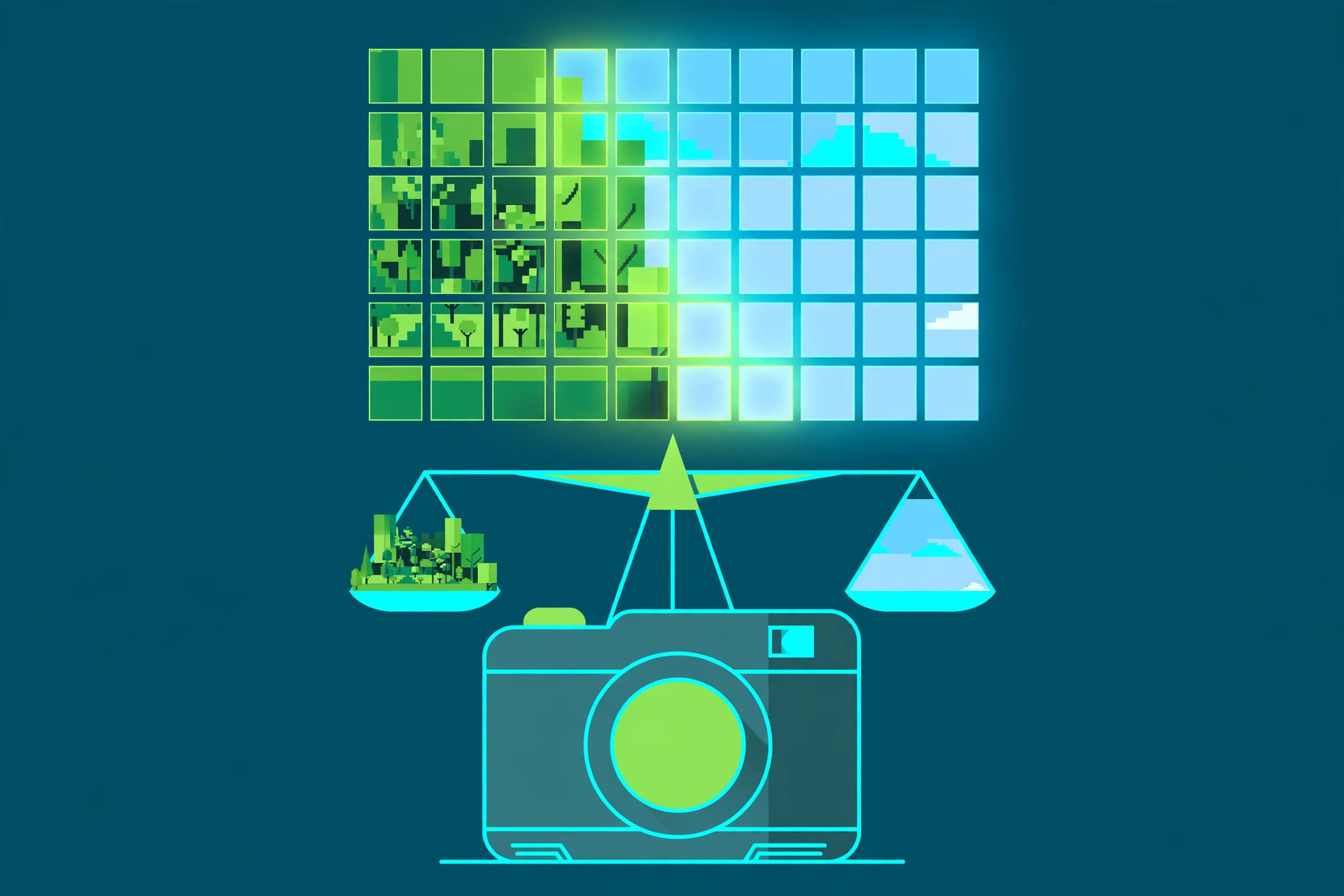
Real files are compressed, and compressed size depends on the scene. JPEG discards information the eye is unlikely to miss, and its output for the same camera can swing from 2 MB for a plain sky to 15 MB for a forest full of fine detail at high quality settings, because detail is exactly what compression cannot throw away. This is why any JPEG estimate, including the one in the calculator, quotes a typical bits per pixel figure and why your mileage genuinely varies. PNG is lossless and suits graphics, logos and screenshots with flat colours and sharp edges, where it often beats JPEG on both size and quality; on photographs it is usually several times larger than JPEG.
Planning storage for photos
Work backwards from your shooting habits. A phone making 4 MB JPEGs fills a gigabyte every 250 shots. A camera making 12 MB JPEGs plus 45 MB raw files fills it in about 18 frames, which is why wedding photographers carry pockets of cards. For an archive, multiply your yearly frame count by the average size you measured, add a third for edits and exports, and that is your annual storage growth. The calculator's how many fit in 1 GB line turns any image specification into a shopping number for cards and drives. Measure your own files once, since your subjects and settings decide the average, and every estimate after that will be close. Screenshots deserve a special note, because they break the photo rules: a screenshot of text and windows is mostly flat colour and sharp edges, so PNG compresses it beautifully and JPEG smears the text while often producing a larger file. Match the format to the content: JPEG for continuous tone photographs, PNG for graphics and text, and the modern WebP and AVIF formats where supported, which beat both at their own games. The estimator here covers the photo side; for screenshots, a test save of one real screen is worth any formula.