How Screen Sizes Are Measured, and Why the Diagonal Lies
The diagonal habit
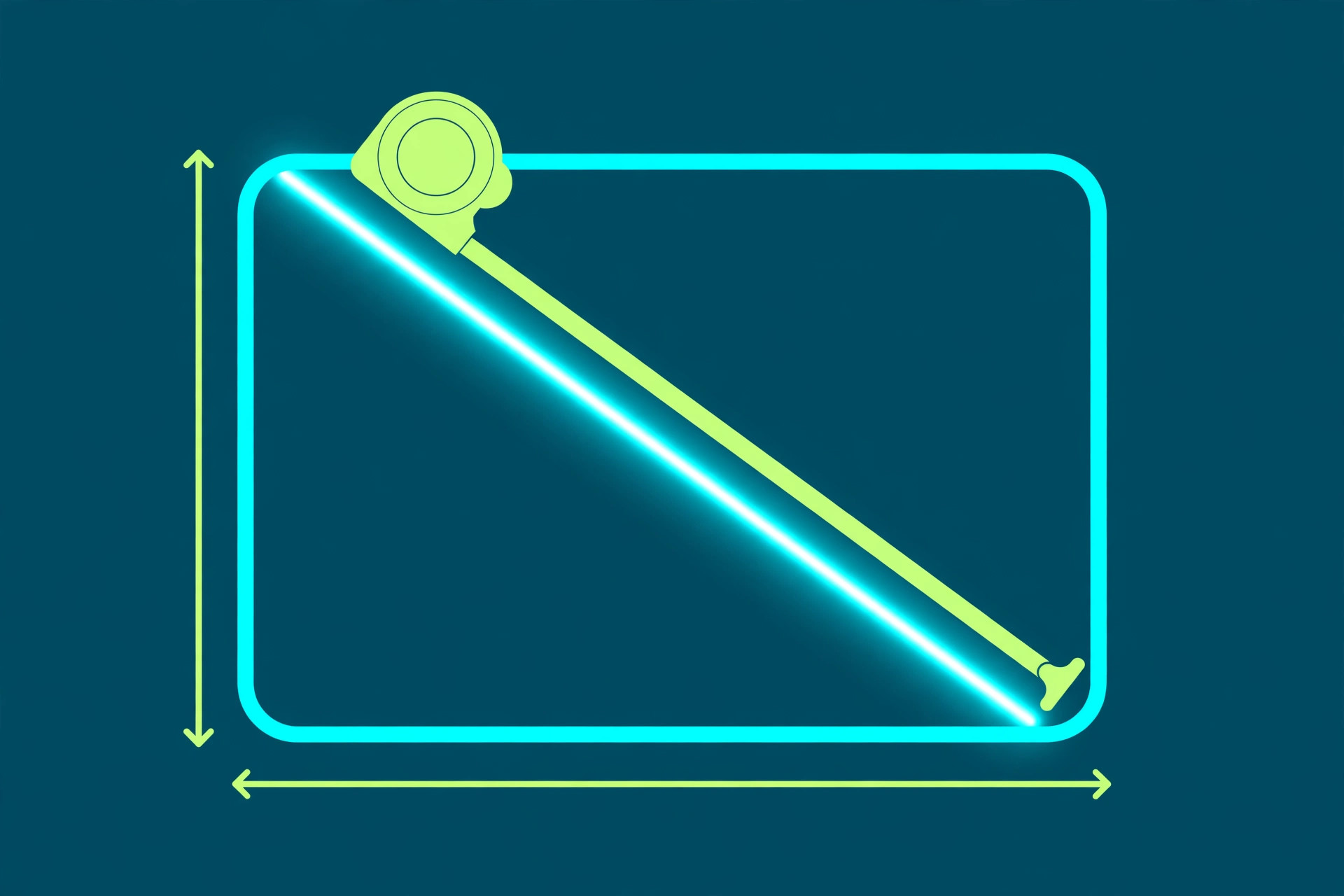
Screens are measured corner to corner for historical and marketing reasons: the figure comes from the cathode ray tube era, it is one number instead of two, and it is always the largest dimension of the panel, which looks good on a box. The catch is that a diagonal says nothing about shape. Two 32 inch screens, one 16:9 and one 21:9 ultrawide, share a diagonal but the ultrawide is wider and shorter, with about 12 percent less area. A 49 inch super ultrawide sounds enormous, yet its height equals a 27 inch standard screen; it is two of them side by side. Recovering width and height from the diagonal and ratio is a small Pythagoras exercise, and the screen size calculator here does it in inches and centimetres.
Area is the honest measure
What you experience as screen size is area. Doubling the diagonal quadruples the area, and modest diagonal steps hide big area jumps: moving from 24 to 27 inches adds about 27 percent more area, and 27 to 32 adds about 40 percent. Comparing areas is the fastest way to judge whether an upgrade will feel bigger and whether a desk can hold it. It also exposes shape tricks: a 34 inch ultrawide has about the same area as a 27 inch standard screen stretched sideways, which is exactly what it is. When shopping, convert every candidate to width, height and area, and measure your desk and viewing distance against the real rectangle, not the headline diagonal.
Bezel, stand and the space it really takes
The panel is not the product. Bezels add a centimetre or two, stands add depth and their own footprint, and monitor arms reclaim desk space at the cost of wall distance. Manufacturers quote the diagonal of the panel alone, sometimes even the glass rather than the visible image on older designs. Viewing distance also belongs in the size decision: a screen too large for its distance forces head turning and makes pixels visible, while too small wastes the resolution you paid for. The practical routine is to fix your viewing distance first, pick the size whose width fills a comfortable field of view, then check the ratio and PPI. The tools on this site chain together for exactly that sequence. Retailers add one more wrinkle: the class wording. A 55 inch class television may measure 54.6 inches on the diagonal, a rounding the industry permits itself. It changes nothing you will see, but it explains small mismatches when a stand or cabinet is cut exactly to the brochure. Measure the physical product, or its published width and height including bezels, before furniture decisions. The calculator gives the panel's true rectangle; add the bezel from the specification sheet and you have the object that must fit your room.