RAID Levels Explained: 0, 1, 5, 6 and 10 Compared
The five levels that matter
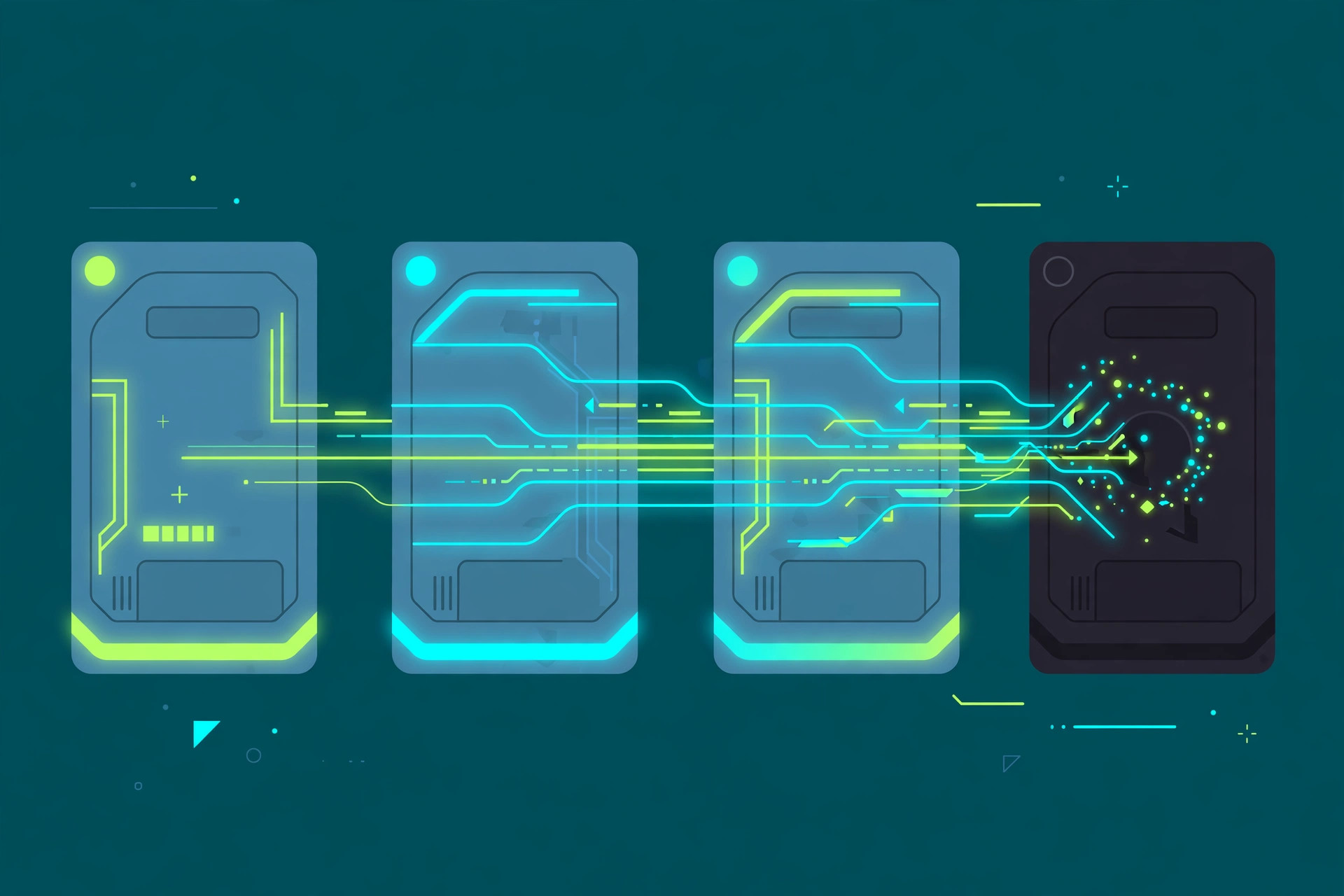
RAID 0 stripes data across drives for speed and offers no protection at all; lose any drive and the array is gone. RAID 1 mirrors everything onto a second drive, simple and safe, at the cost of half the capacity. RAID 5 stripes with one drive's worth of parity, surviving any single drive failure, and needs at least three drives. RAID 6 uses two drives of parity and survives two failures, the sensible choice for large arrays where a rebuild takes days. RAID 10 mirrors pairs and stripes across them, combining speed with fast, simple rebuilds at half capacity. The RAID calculator shows the usable capacity and failure tolerance of each level for your drive count and size.
Parity, rebuilds and the danger window
Parity is arithmetic that lets a missing drive's contents be recalculated from the survivors. The catch is the rebuild: when a failed drive is replaced, the array must read every remaining drive completely and write the new one, which can take a day or more on large drives. During that window the array is exposed; a second failure in RAID 5, or an unreadable sector on a surviving drive, can still lose data. That risk, small per hour but multiplied by long rebuilds and big drives, is why RAID 6 became the default for arrays of large disks, and why hot spares that begin rebuilding automatically are worth having. Speed during rebuild also drops, which users notice as a mysteriously slow server.
Choosing a level for real needs
For a home media box, RAID 5 or 6 buys capacity efficiency and calm. For a busy database or virtual machine host, RAID 10's speed and quick rebuilds usually win despite the capacity cost. For scratch space and rendering caches, RAID 0's speed with disposable data is legitimate. Whatever you choose, remember the efficiency figures: RAID 5 on four drives gives you 75 percent of the raw space, RAID 6 on six gives 67 percent, mirroring always gives 50 percent. Price storage by the usable figure, not the raw sum on the boxes. And hold the thought from the companion guide: none of this is a backup, because RAID happily mirrors a deletion or encrypts along with ransomware. A practical warning about RAID 5 with very large drives: at multi terabyte sizes, rebuild times stretch past a day and the chance of meeting an unreadable sector during that rebuild is no longer trivial, which is the technical reason many administrators skipped straight to RAID 6 for big arrays. The calculator's capacity figures are identical either way you feel about it, but the tolerance column is the one to weigh. One extra drive of parity is cheap insurance bought once; a lost array is expensive forever.