What Is PPI? The Sharpness Number That Actually Matters
One number for sharpness
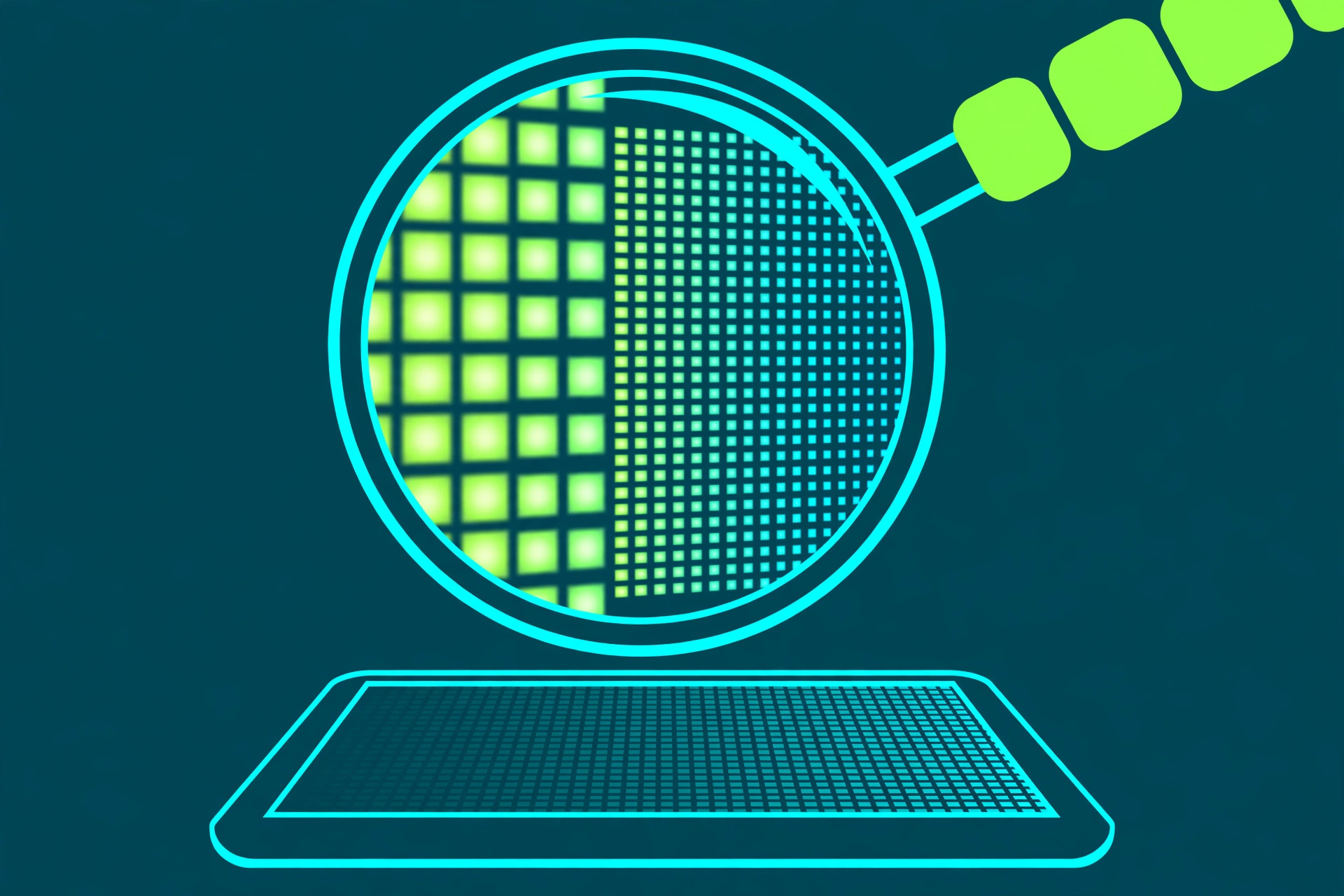
Resolution alone does not say how sharp a screen looks, because the same pixels spread over a bigger panel look coarser. PPI, pixels per inch, divides the pixel count by the physical size: take the diagonal in pixels, from Pythagoras on the width and height counts, and divide by the diagonal in inches. A 24 inch monitor at 1920 by 1080 gives about 92 PPI. A phone with more pixels on a 6 inch screen passes 400 PPI. A 55 inch 4K television lands near 80 PPI, lower than the monitor despite having four times the pixels. The PPI calculator here does the diagonal maths and adds the pixel pitch, the physical size of one pixel, which is the figure engineers actually design around.
Distance is the missing variable
The eye cannot resolve detail finer than about one sixtieth of a degree, so whether pixels are visible depends on how far away they are. Apple popularised the word Retina for screens where pixels vanish at the expected viewing distance, roughly 300 PPI at phone distance. A desk monitor at 110 to 160 PPI looks perfectly sharp from a normal chair. A television at 80 PPI is viewed from metres away, where its pixels subtend a tiny angle and disappear. This is why chasing PPI in isolation misleads: a cinema screen has a PPI in the teens and looks flawless. Judge sharpness as PPI plus distance, which the viewing distance guide and calculator on this site work out together.
Using PPI when you buy or design
For buying, rough bands help. Phones: anything above 300 PPI is beyond most eyes. Laptops: 150 to 220 PPI gives crisp text without punishing scaling. Desk monitors: 92 PPI at 24 inch 1080p is visibly grainy to keen eyes; 140 PPI and above is the comfort zone for text work. For design work, PPI decides how large interface elements and print exports appear: screens assume about 96 PPI in the Windows world, and print runs at 300 PPI, which is why an image that fills your monitor prints as a small photo. Enter your panel's figures into the calculator and you will know which band you are really in, beyond the marketing name. Print people will recognise PPI's cousin: DPI, dots per inch, the print standard of 300 that matches the eye at reading distance. The two numbers meet when you print a photo: an image of 3000 by 2000 pixels prints at 300 PPI as a 10 by 6.7 inch photo, and enlarging beyond that spends sharpness you may or may not miss depending on viewing distance. The same trade governs screens. Pixels are a budget, size is how thinly you spread them, and distance decides whether the spreading shows.